What the first minutes are for
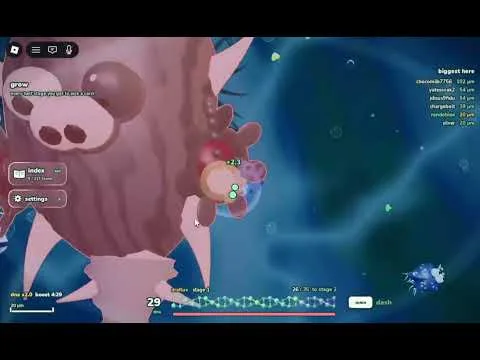
Evolve a Cell starts you as a tiny cell in a pond. The official listing says you eat plants or hunt other cells, including other players, then evolve by adding parts. Each server holds 16 players. Anything bigger can end the size you just gained, so the opening is about food you can take without a fight.
Controls that were actually shown
A short gameplay video of this Roblox experience says to press Space to dash. The same video opens an upgrades screen and presses E. The narrator never says what E does, so this guide does not assign E a job.
Charts that list WASD, Shift-to-dash, or Tab-to-upgrade are generic evolution-game layouts. They disagree with the Space dash spoken in the video. Follow prompts on your own screen.
Opening order
- Eat nearby plants and other food that is not attached to a larger cell.
- Keep Space ready so you can dash when something turns toward you.
- Leave cells and players that are clearly larger. Both can hunt you.
- When you have a gap, open the upgrades screen and also open Stats.
- If a level will not advance, look in Stats for yellow entries that are still locked. That was the reply given to a player stuck between level 6 and level 7.
You are past the opening when
You are still alive, you have eaten, and you have either bought an upgrade or unlocked something yellow in Stats. Extra size does not help if a larger cell is already on you.
Still unknown
The auto-caption garbles the click that opens upgrades, so this page does not name a mouse button. Mobile and controller layouts were not shown.